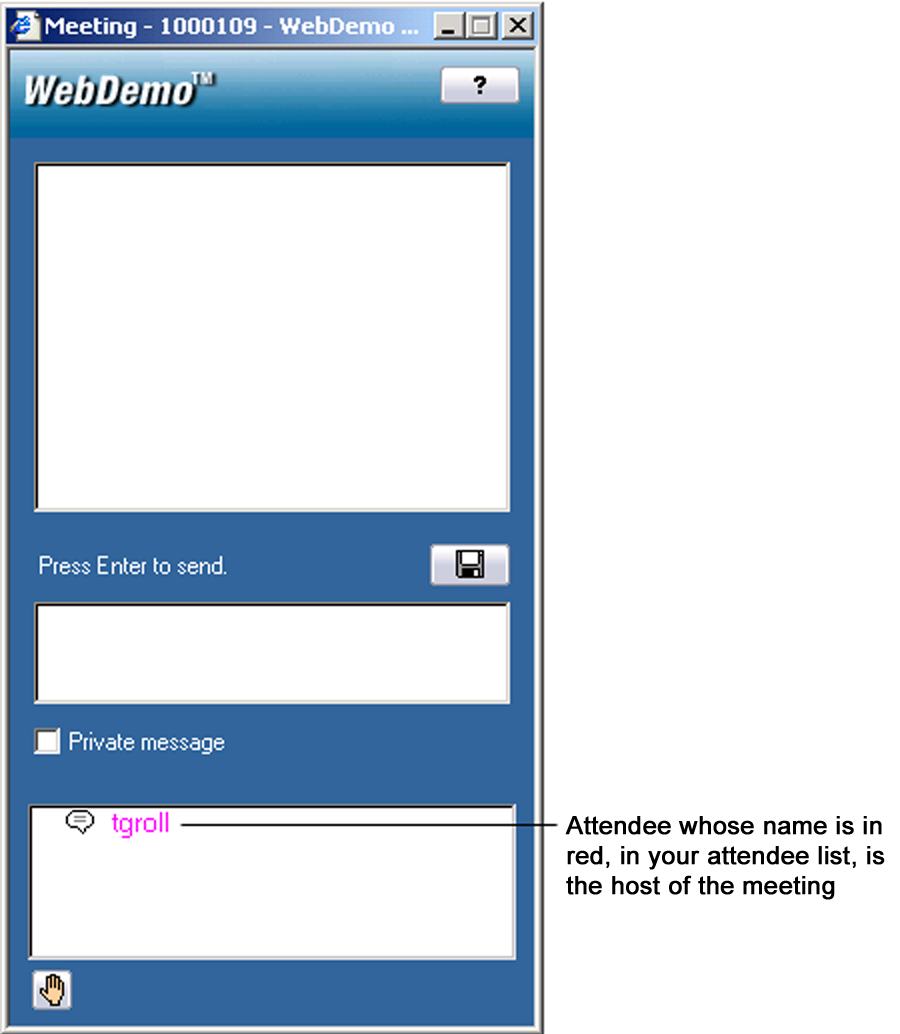
WebDemo users who successfully connect to a WebDemo meeting will have the Client Console appear on their desktop.
You can undock the Keyboard chat or Attendee List dialog boxes from your client console by right clicking in the white space and selecting UNDOCK. Once undocked, the window can be resized by dragging a corner of the Keyboard Chat or Attendee List dialog box with your cursor.
To put your Keyboard Chat or Attendee List window back into the client console, right click in their white space and select DOCK from the drop down menu, or click on the "x" control.
To view additional explanations for parts of the client console, click on your area of interest in the graphic below.